Geomagic® for SOLIDWORKS®
Turn Physical Parts Into Editable SolidWorks® Models — Without Leaving SolidWorks®
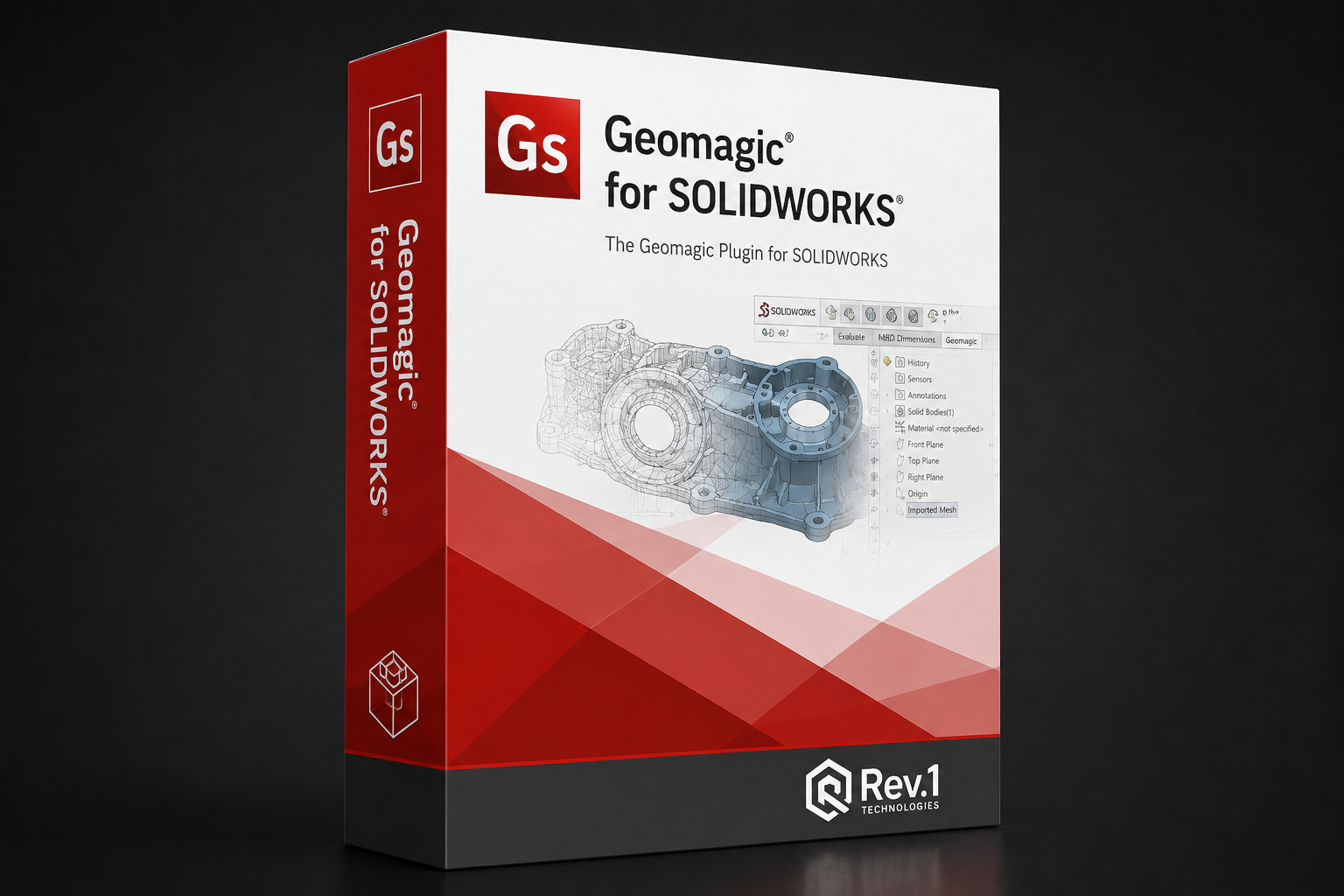
Geomagic for SOLIDWORKS is a native SolidWorks® plugin that takes point cloud and mesh scan data directly into your SolidWorks environment — no round-trips, no file conversion, no guesswork. Import from any 3D scanner or scan live from supported devices, clean and process the data, then extract prismatic features, automatic surfaces, and NURBS geometry as native SolidWorks bodies and sketches. License options →
Annual subscription -- renews yearly. Includes all updates and support during the term.
(248) 707-2950 · Free 14-day trial · Same-business-day quotes
Why Geomagic for SOLIDWORKS®
Is the Scan-to-CAD Plugin Standard
Geomagic for SOLIDWORKS installs as a native plugin tab inside your existing SolidWorks environment. No external application to manage, no file round-trip required — scan data comes in and CAD features go out, all within the SolidWorks interface your team already knows.
Handles large, complex scan datasets with automated hole filling, noise reduction, mesh decimation, smoothing, and non-manifold repair. Multiple mesh merging, region grouping, and polygon selection tools keep dense point clouds manageable at every scan fidelity.
One-click Autosurfacing converts cleaned mesh geometry into smooth, accurate NURBS surfaces. Modeling wizards guide users through extrude, revolve, and sweep feature creation from cross-section profiles. The result is editable SolidWorks solid or surface bodies ready for downstream use.
Scan It. Clean It.
Model It. Export to SolidWorks®.
Import point clouds and polygon meshes from any compatible 3D scanner, or scan live directly into SolidWorks from supported hardware including Creaform, FARO, Hexagon, and Nikon devices. Supported file types include standard point cloud and polygon formats.
Automated mesh tools handle hole filling, noise reduction, decimation, smoothing, and non-manifold repair. Use polygon group selection, region grouping, and manual editing tools to segment and prepare the mesh for feature extraction.
Apply Autosurfacing for organic geometry or use Modeling Wizards for prismatic features — extrude, revolve, sweep from cross-section profiles. Hybrid modelling lets you combine surfaced and solid geometry in a single workflow.
Geomagic for SOLIDWORKS outputs native SolidWorks bodies, sketches, and surface features directly into your active SolidWorks document — fully editable, constrainable, and ready for assembly mating or drawing production.
Every SolidWorks® Shop That Scans
Benefits From This Plugin
Every SolidWorks Shop That Scans
Benefits From This Plugin
Geomagic for SOLIDWORKS fits any team that captures physical geometry and needs it back in SolidWorks — from tooling and mold shops replacing worn components to product developers integrating scanned assemblies into new designs.
ONA · OFD · NWA
Which License Type Fits Your Team?
Every Geomagic for SOLIDWORKS license is configured with one of three activation methods. The activation determines how the license is bound to a machine or shared across your team. The software capability is identical — pricing and portability differ.
ONA ties the license to a specific computer using Hexagon's online activation system. No hardware key required. Deactivate and re-activate when you change machines through the license portal.
OFD stores the license on a physical USB dongle. Plug the dongle into any compatible machine and the plugin activates immediately — no internet required. Ideal for offline, air-gapped, or field environments.
NWA licenses are hosted on a local license server and shared across your network. Any team member can check out a seat when they need it and return it when done. Best utilization for teams with intermittent scan-to-CAD needs.
Geomagic for SOLIDWORKS —
Complete Price Matrix
All commercial list pricing from the Hexagon Geomagic Scan Software Price Book, January 2026. Education licenses available separately — contact Rev1. Prices in USD.
| Purchase Mode | ONA — Online Named | OFD — Offline Dongle | NWA — Network Float |
|---|---|---|---|
| Geomagic for SOLIDWORKS | |||
| Annual Subscription | $2,739/yr | $2,739/yr | $3,561/yr |
| Perpetual License + 1st Yr Maint | $8,301 | $8,301 | $10,792 |
| Maintenance Renewal | $1,266/yr | $1,266/yr | $1,646/yr |
| USB Dongle & Training | |||
| USB Dongle (OFD only) | $550 one-time — CSW-DONGLE | ||
| Classroom Training (2 days, per person) | $1,050 — CSW-TR-CL | ||
| Onsite Training (2 days, up to 6 people) | $5,250 — CSW-TR-SITE | ||
*Prices are commercial list prices in USD. Education pricing available for institutions — contact Rev1. Partner margin does not apply to training items.
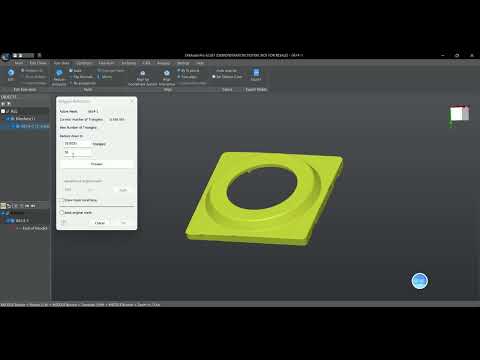
Geomagic for SOLIDWORKS in Action—
Mesh & Point Cloud Processing Demonstrated
Official feature highlight by Geomagic (@GeomagicSoftware on YouTube). Click to launch full-screen.
Geomagic for SOLIDWORKS —
System Requirements & Specs
| Software Category | SolidWorks® Native Plugin — Scan-to-CAD |
| Plan Tiers | Single edition (Geomagic for SOLIDWORKS) |
| Activation Methods | ONA (Online Named) · OFD (Offline Dongle) · NWA (Network Float) |
| License Modes | Annual Subscription · Perpetual License + 1st Yr Maint · Maintenance Renewal |
| SolidWorks® Compatibility | SolidWorks 2021 and later (confirm current compatibility with Rev1) |
| Operating System | Windows 8.1 / 10 / 11 (64-bit) |
| Processor | Intel or AMD, minimum 2.0 GHz (quad-core recommended) |
| RAM | 8 GB minimum — 16 GB+ recommended for large scan datasets |
| Storage | 30 GB available — SSD strongly recommended |
| Display | 1280 × 960 minimum (1920 × 1080 recommended) |
| GPU | NVIDIA Quadro recommended; dedicated GPU required for real-time Deviation Analysis |
| Scanner Compatibility | Creaform, FARO, Hexagon, Nikon, Vialux + all major brands via file import |
| Input Formats | Standard point cloud and polygon formats (E57, XYZ, PTX, STL, OBJ + scanner native) |
| Output | Native SolidWorks® bodies, sketches, surface features in active SW document |
| Trial | 14 days — free, full-featured activation via Rev1 |
| Training | Classroom $1,050/person (2 days) · Onsite $5,250 (2 days, up to 6) |
| USB Dongle (OFD) | $550 one-time hardware purchase (CSW-DONGLE) |
| Authorized Reseller | Rev1 Technologies — authorized Hexagon / Oqton partner, USA |
| Pricing Effective | January 2026 USD price book |
Not Just a License Vendor.
A Scanning and CAD Modeling Partner.
Sold and supported by Rev1 Technologies. Built by Hexagon / Oqton.
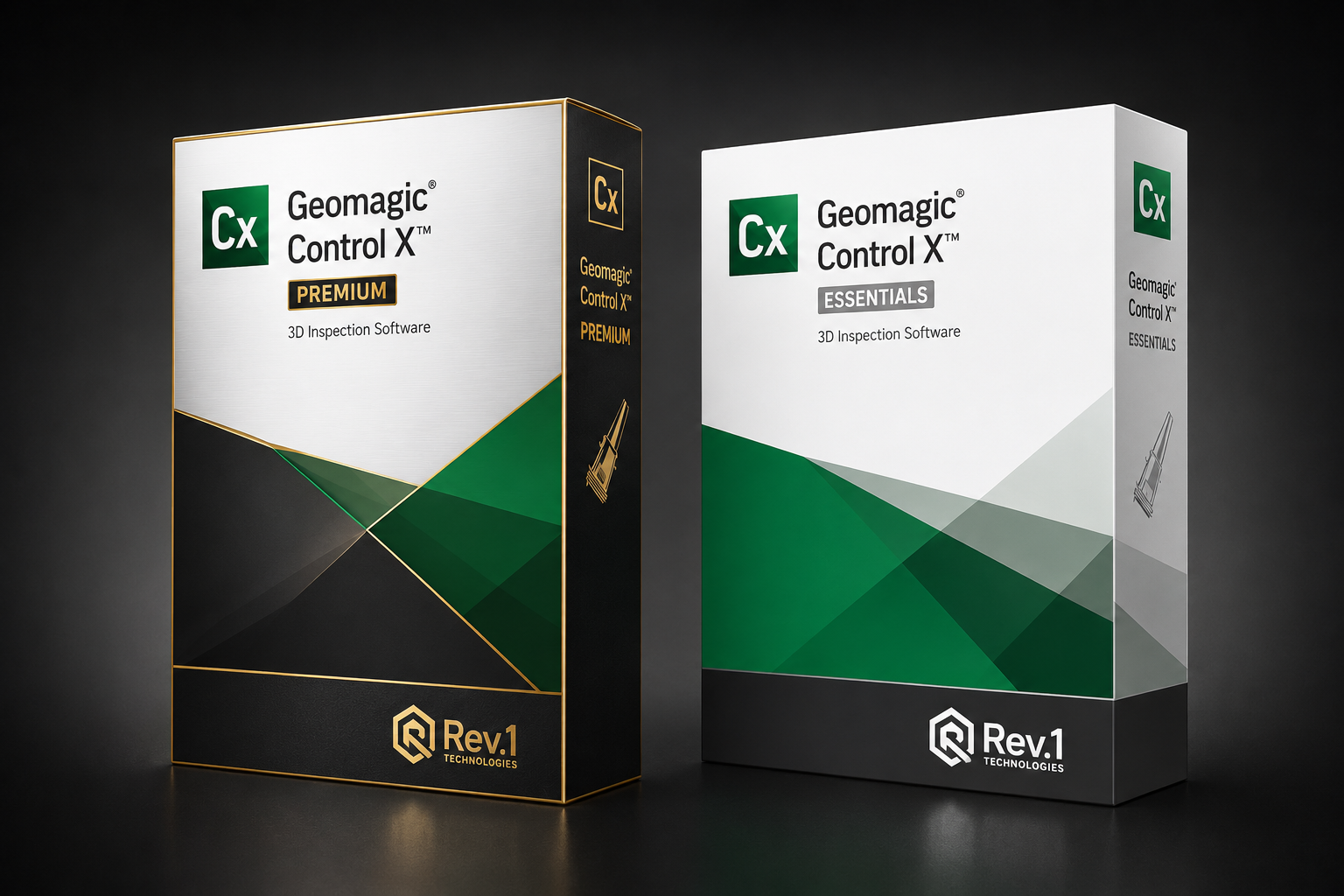
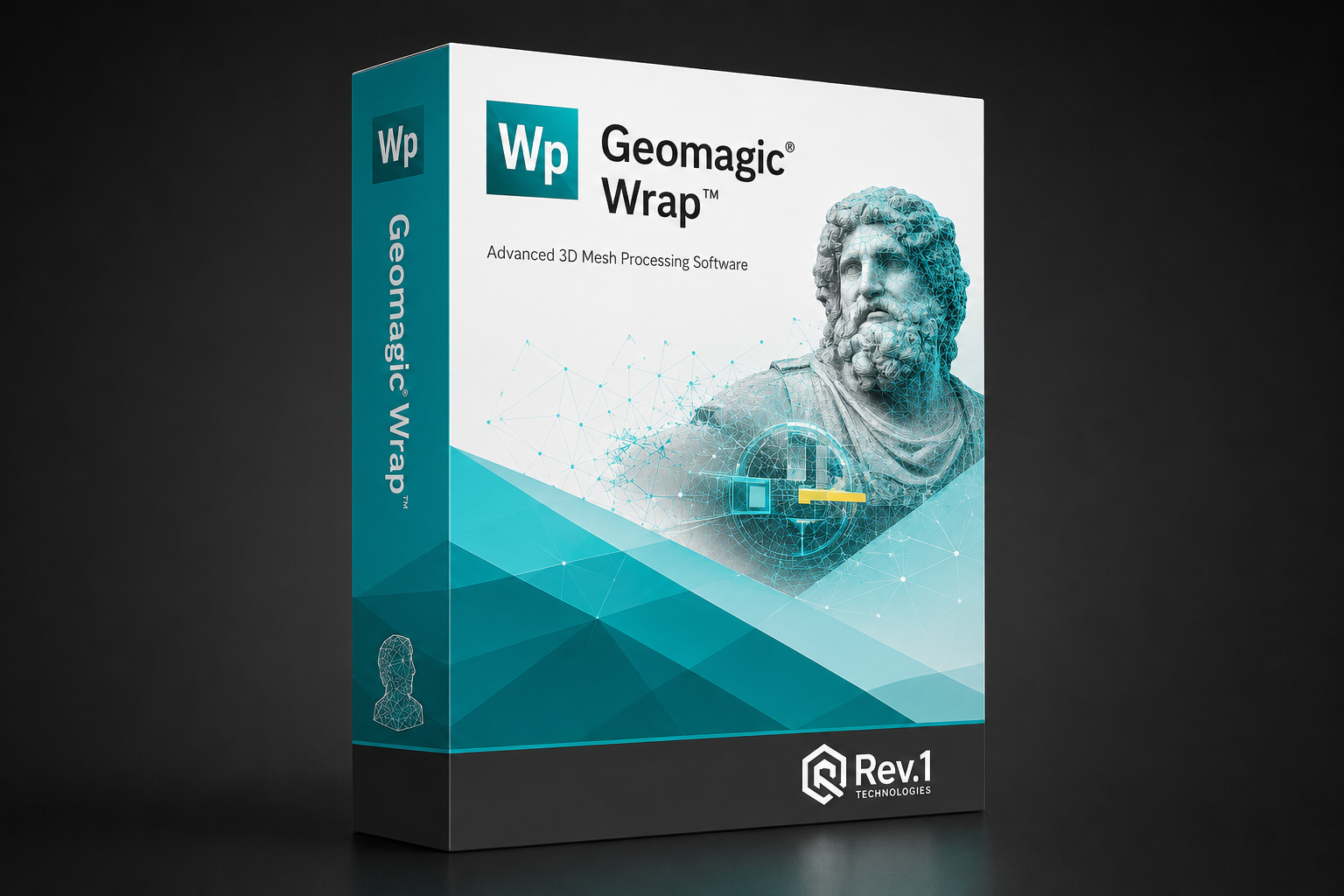
Rev1 Technologies is an authorized Hexagon / Oqton reseller for the full Geomagic software lineup — Design X, Control X, Wrap, and for SOLIDWORKS. Our Michigan team provides same-business-day licensing quotes, application fit reviews, and on-site or remote training. We run Geomagic tools daily in our own scanning lab, so your first-project support comes from engineers who use the software.

USA-based authorized reseller for the full Geomagic software family including Geomagic for SOLIDWORKS, Design X, Control X, and Wrap.
We process scan data using Geomagic tools daily in our own lab. You get advice from engineers who use the software on real industrial parts.
Rev1 provides classroom ($1,050/person) and onsite ($5,250 for 6) training, plus guided first-project support with configuration assistance.
Subscription or perpetual, ONA / OFD / NWA — we match the activation to your SolidWorks® environment and team size.
Compare Across the
Geomagic Software Lineup

Frequently Asked —
Geomagic for SOLIDWORKS
What does Geomagic for SOLIDWORKS do that standard SOLIDWORKS cannot?
Standard SOLIDWORKS cannot import or process dense point cloud and polygon mesh data from 3D scanners — it is designed for geometry created from scratch. Geomagic for SOLIDWORKS bridges that gap by adding scan processing, autosurfacing, and feature extraction tools directly into the SOLIDWORKS environment, converting scan data into native SOLIDWORKS bodies without an external application.
Does it require a separate SOLIDWORKS license?
Yes. Geomagic for SOLIDWORKS is a plugin that runs inside SOLIDWORKS — a valid SOLIDWORKS license is required. Contact Rev1 to confirm which SOLIDWORKS versions are supported in the current release.
What 3D scanners are compatible?
Geomagic for SOLIDWORKS supports direct scanning integration with Creaform, FARO, Hexagon, Nikon, Vialux, and 3D Systems Capture hardware. Any 3D scanner that can export standard point cloud or polygon formats (E57, PTX, XYZ, STL, OBJ) can be used via file import.
How does activation work — ONA, OFD, or NWA?
ONA (Online Named Activation) ties the license to a specific computer managed via Hexagon's online portal — the lowest cost option at $2,739/yr. OFD (Offline Dongle) stores the license on a USB key for air-gapped or multi-machine use ($2,739/yr + $550 dongle). NWA (Network Float) hosts a shared concurrent license on an internal FlexNet server ($3,561/yr subscription).
Subscription or perpetual — which should I choose?
Subscription ($2,739/yr) has the lowest entry cost with full updates and support included — ideal for teams with annual budget cycles or that need to stay on the latest version. Perpetual ($8,301 + maintenance) has higher upfront cost but lower ongoing cost if the software is used for 5+ years and update cadence is not critical.
Can I try it before purchasing?
Yes. Geomagic for SOLIDWORKS offers a 14-day fully-functional free trial. Request access through Rev1 — we'll set up the trial activation for your specific SOLIDWORKS version and provide an application walkthrough.
What's the difference between Geomagic for SOLIDWORKS and Geomagic Design X?
Geomagic for SOLIDWORKS is a SOLIDWORKS plugin — it works inside an existing SOLIDWORKS license and outputs native SOLIDWORKS geometry. Geomagic Design X is a standalone scan-to-CAD application with more powerful parametric history-based modeling and direct export to multiple CAD platforms (SOLIDWORKS, NX, CATIA, Creo, etc.). Design X is for teams needing professional-grade standalone scan-to-CAD; for SOLIDWORKS is for SolidWorks-centric shops that want the workflow embedded in their existing environment.
Does Rev1 provide training and support?
Yes. Rev1 offers classroom training ($1,050/person for 2 days) and onsite training ($5,250 for 2 days, up to 6 people) for Geomagic for SOLIDWORKS, plus guided first-project support and license configuration assistance. Contact Rev1 for training availability.